




Hundreds of MPC plugin options exist, and sorting through them feels like scrolling endlessly, settling for something safe. Most gather digital dust. A select few genuinely sculpt drums, samples, and melodies with surgical precision—tools that instantly click and redefine your sound. They streamline workflow and transform generic tracks into potent, memorable music. Stop hunting; start creating with the plugins that actually matter.
1. AIR Soft Clipper
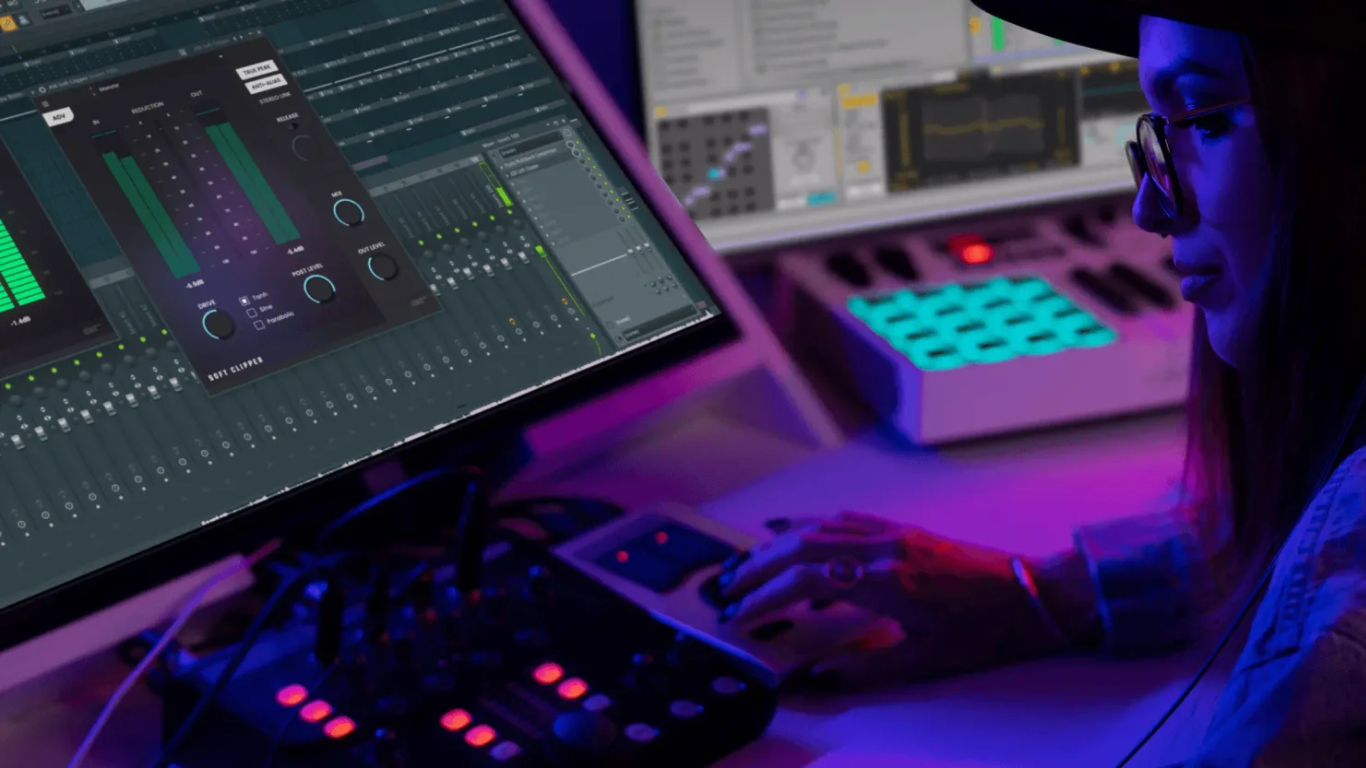
This saturation workhorse delivers harmonic density, grit, and perceived tightness—often landing as the first insert in the chain.
The AIR Soft Clipper acts like the digital bouncer for your audio signal, adding distinct saturation and clipping. It makes drums thump, samples cut, and melodies coalesce. You get an “in your face” presence that transforms individual sounds into a unified force.
Available for both MPC Standalone units and desktop DAW use, the plugin is listed as separately purchasable with a trial period. Its immediate impact is noticeable, gluing elements together and delivering a punchier mix that cuts through the noise.
2. AIR Utility and AIR Stereo Width
Precise stereo control narrows excessively wide sounds or firmly places low frequencies in mono.
If your audio feels as scattered as a bad Wi-Fi signal, you need tools that manage stereo image. The AIR Utility plugin, a newer MPC Pro Pack feature, offers robust stereo and mono manipulation, including stereo-image adjustment and polarity reversal. A sample dialed from 100% to 60% width dramatically alters its presence in a dense mix.
Alternatively, the AIR Stereo Width plugin delivers comparable capabilities, allowing you to widen, narrow, or collapse unruly material to mono. Both tools use Mid/Side-style control, splitting the signal to carve a distinct sonic landscape.
3. AIR Compressor

This standard dynamics processor manages erratic peaks and dips, ensuring samples and melodic parts maintain smooth, even presence.
Consistent audio levels form the backbone of any professional mix. The AIR Compressor handles this with clinical efficiency. Starting with the Classic setting, then adjusting threshold, output, attack, and release, delivers a balanced initial response—perfect for taming unruly drum hits or inconsistent vocal takes.
Think of it as the ultimate bouncer, letting in only the well-behaved frequencies. This effect ensures your chosen sounds cut through the mix without sudden volume surprises, delivering punch without the ear fatigue.
4. AIR Multiband Filterbank
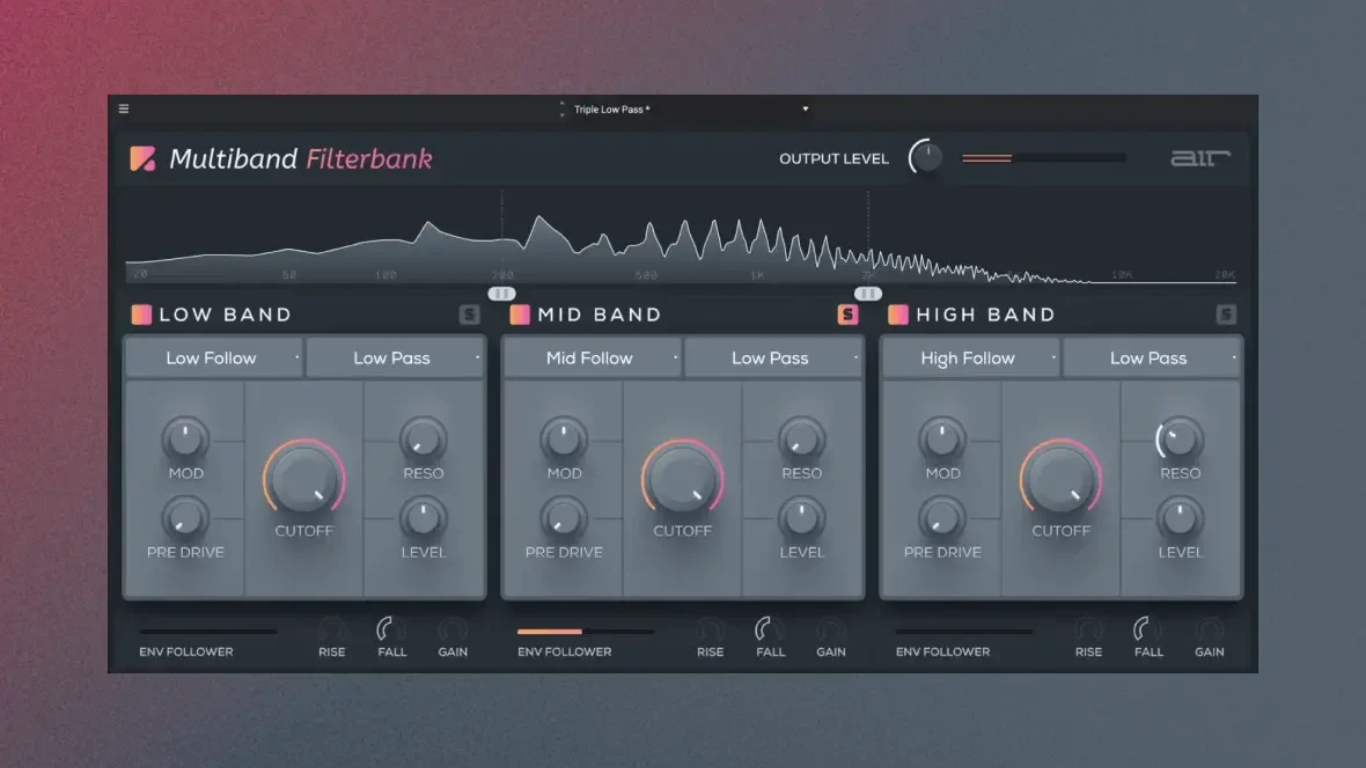
This plugin slices audio into low, mid, and high bands, allowing surgical precision for frequency-specific saturation.
Sound engineers often face the challenge of adding saturation without overwhelming an entire track. You get independent control over frequency ranges and individual band pre-drive, which is essentially a gain stage before the saturation kicks in. This means sculpting harmonic content exactly where your track needs it.
Boosting the mid-range pre-drive on trumpets makes them scream directly into the mic. Adding grit exclusively to the low band makes kicks and basslines rumble with authority. It’s precision surgery on your sound, rather than blasting it with a firehose.
5. AIR Filter
The MPC User Guide notes its ability to apply filtering followed by selectable saturation or reduction—versatility that pushes it beyond a mere EQ.
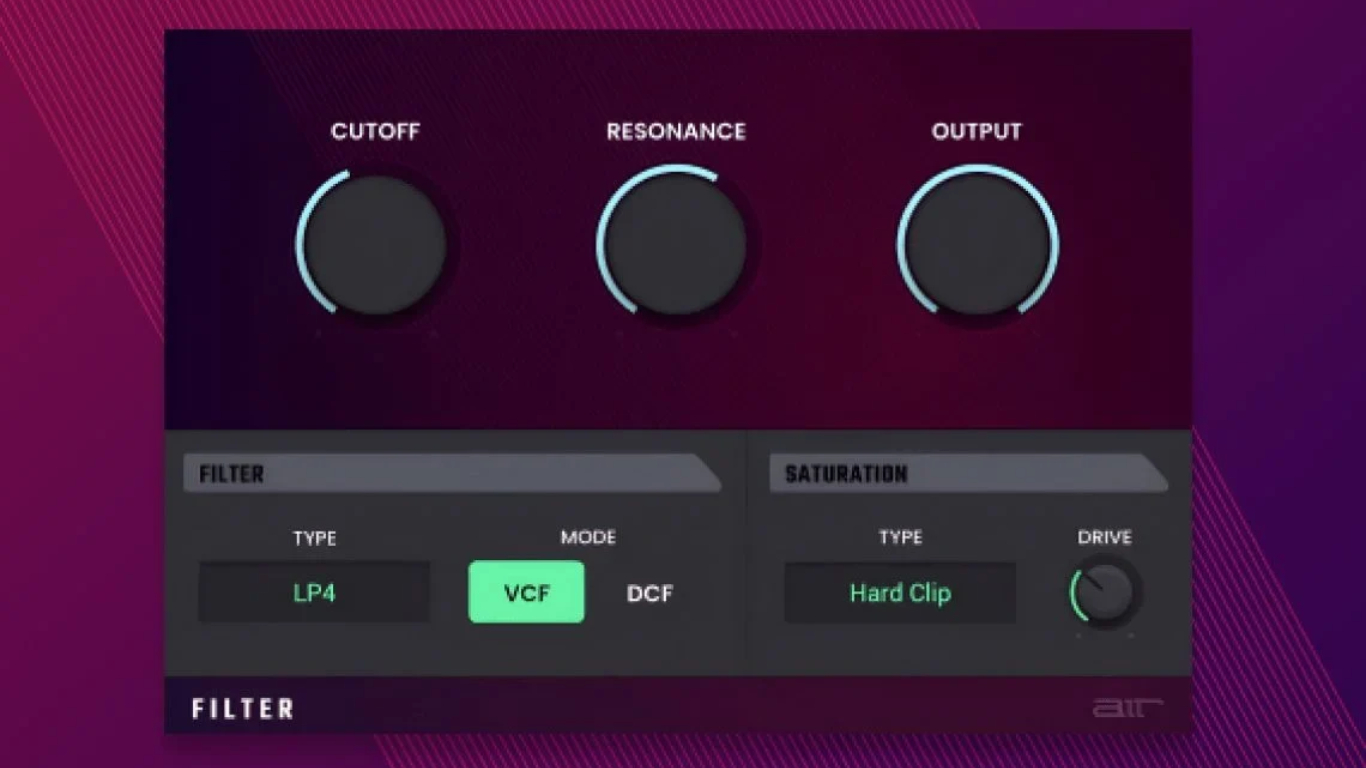
The AIR Filter is a straightforward effect for removing or emphasizing frequency ranges, including essential high-frequency roll-offs. Its power shines in automation; you can map cutoff and resonance to your MPC Q-Link knobs for dynamic, expressive filtering.
Automating a high-pass filter can progressively reveal a sound, adding movement and intrigue. Imagine unveiling a track’s main synth line slowly, like a velvet curtain drawing back on a surprise pop-up concert. This is a clean, efficient pathway to tonal control.
6. AIR Visual EQ
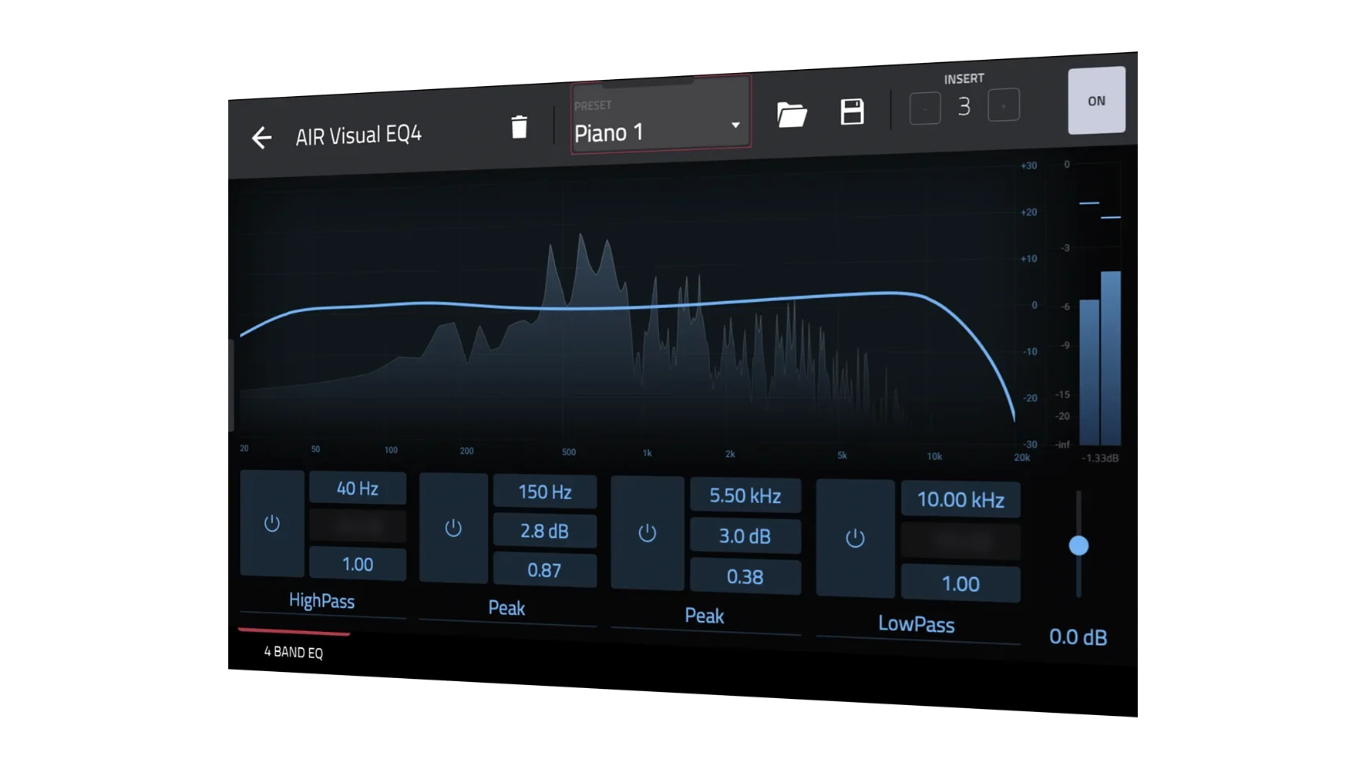
Real-time spectrum analysis lets you see exactly where your kick drum is muddying the bass or if your vocals are getting lost in the upper mids.
The AIR Visual EQ, part of the MPC Pro Pack, turns abstract audio into tangible curves on your screen. This four-band equalizer provides instant, intuitive feedback. Pinpointing problem frequencies becomes easier than finding a good parking spot at Coachella.
It supports five distinct EQ types: shelving, parametric, low-pass, band-pass, and high-pass filtering. Akai’s documentation highlights its factory presets, offering quick starting points for testing various EQ curves. This plugin transforms equalization into a visually guided operation.
7. AIR Vintage Filter
With three distinct filter modes and controls including cutoff, resonance, and fatness, it delivers that soulful analog imperfection.
That coveted, sun-drenched tone from classic gear finds its way directly into your MPC with this effect. It imbues synths, guitars, and samples with analog warmth. Some modern tracks sound too sterile, like they were born in a spreadsheet.
The Fatness preset remedies this, lending a rich, weighty character. Automating this filter via Q-Links transforms a static loop into a dynamic performance, much like an old-school DJ working a worn vinyl. This turns clean digital audio into a vintage gem.
8. AIR Transient
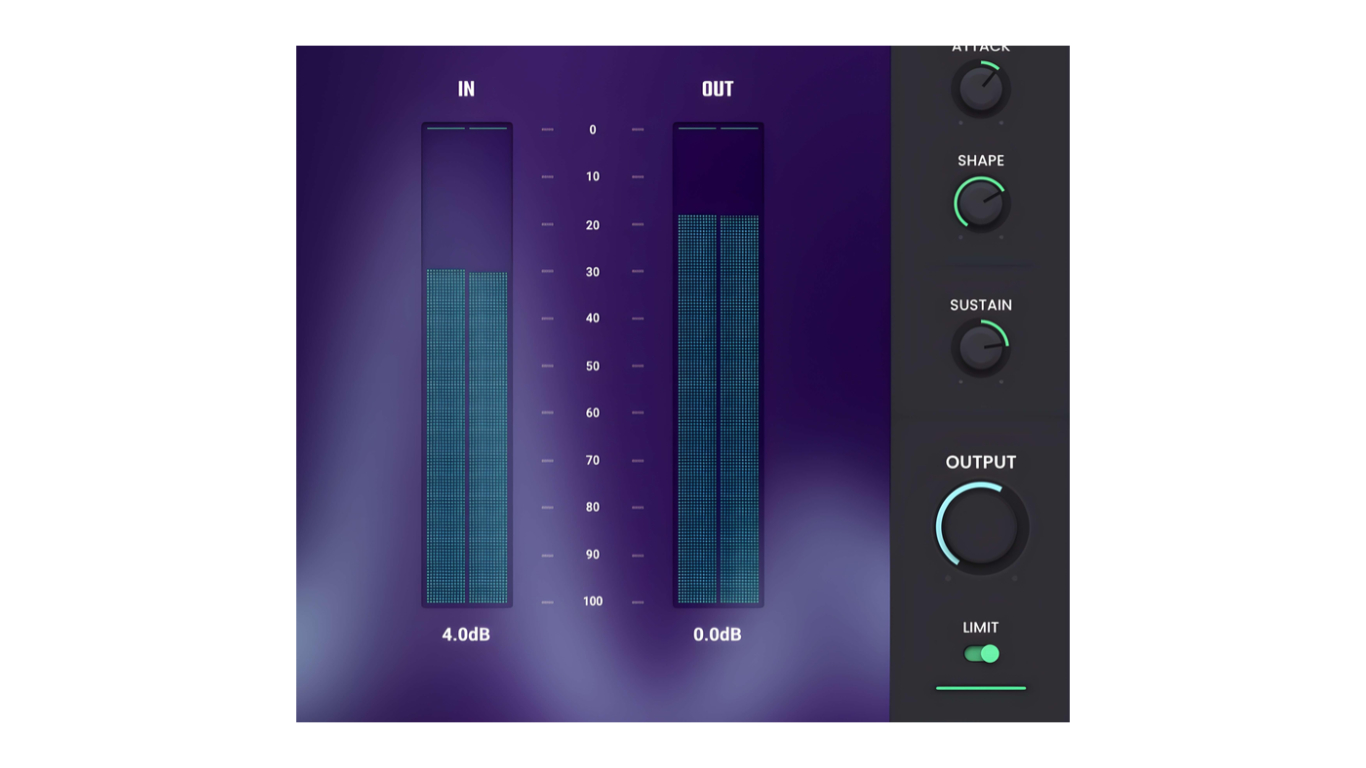
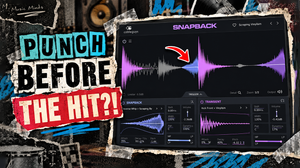
This tool allows you to increase sustain for a more spacious, open feel or slash it for a snappier, more focused groove.
The MPC User Guide lists the AIR Transient among available dynamics effects, highlighting its ability to reshape rhythmic energy. This is your secret weapon for transforming static drum loops or tightening overly loose rhythms without reaching for a re-record button.
That precise rhythmic punch often comes from surgical control over attack and sustain. Consider those early 2000s garage rock tracks that felt a bit “breathy”; this plugin provides the focused energy, ensuring every percussive element lands exactly as intended.
9. AIR Flavor Pro
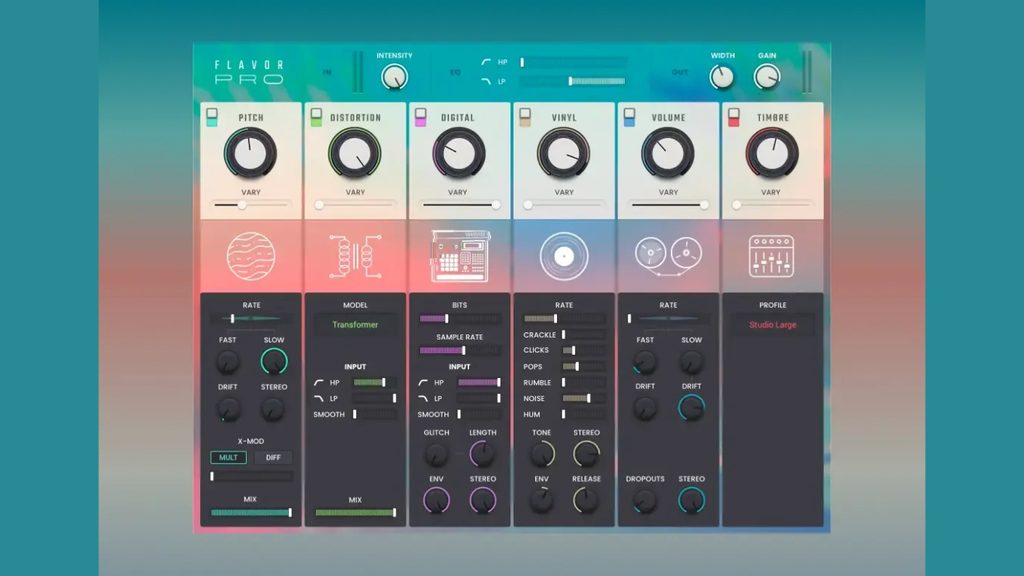
Its Transformer and Vinyl modules, alongside precise intensity controls, allow you to dial in anything from subtle tape-like warmth to full-blown grunge.
Many audio producers actively seek out imperfection, aiming for lo-fi textures and vintage degradation to infuse pristine digital samples with raw authenticity. The AIR Flavor Pro excels at this specific task, operating as a creative coloration and saturation effect.
You can take a sterile piano line from a modern synthesizer and instantly give it the warm, authentic patina of an old vinyl record. This MPC insert effect, available for purchase and activation on compatible MPC systems, ensures your tracks sound like they have a story.
10. AIR Tape Saturator
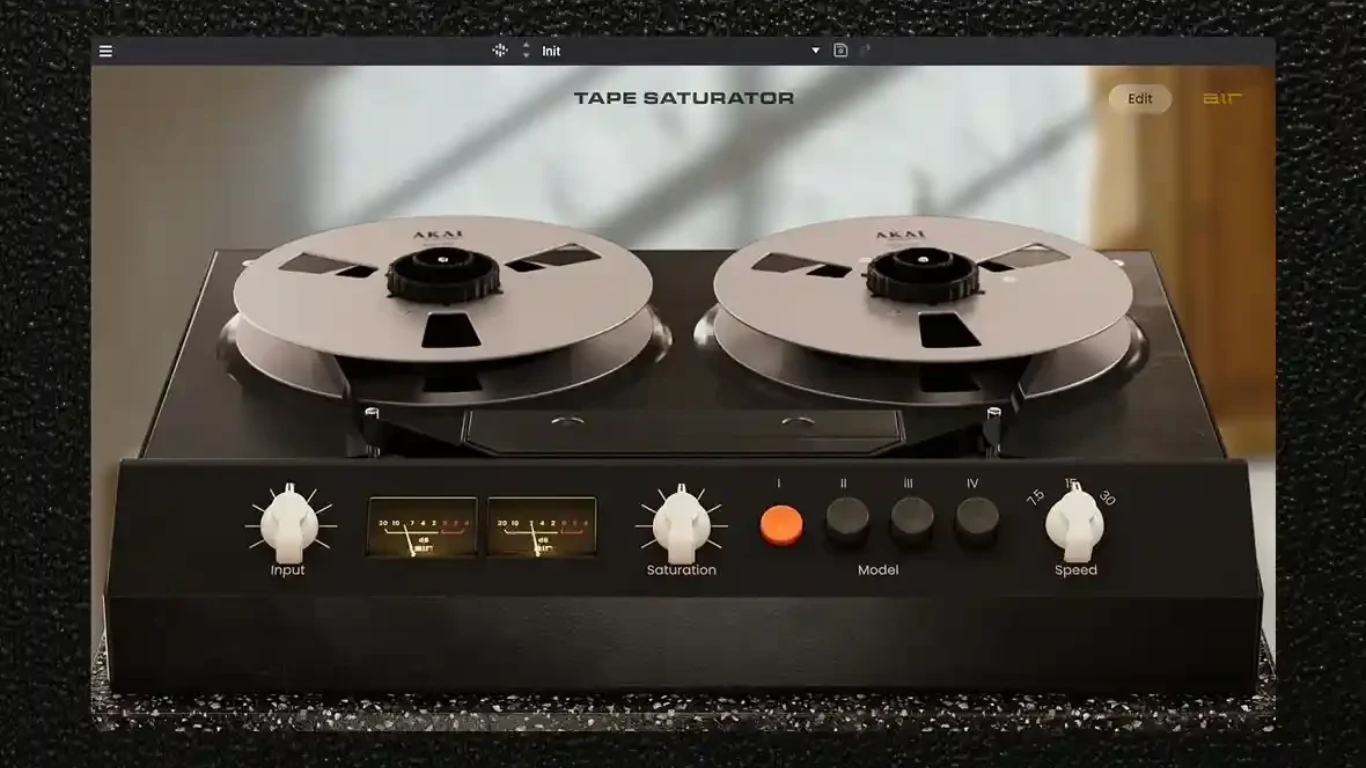
Akai describes it as an analog tape-saturation recreation with modern mixing and mastering controls—adding desirable character and undeniable presence.
The AIR Tape Saturator is frequently employed for its elusive analog warmth and harmonic richness. This tape-emulation effect introduces harmonic saturation, gentle compression, and analog coloration, recommended for drums, bass, and other low-end elements.
When a digital track sounds too clean, almost clinical, this plugin captures the essence of classic tape machines. It imparts a glue that holds your mix together, transforming sterile elements into something with actual weight.
11. AIR Fly Tape
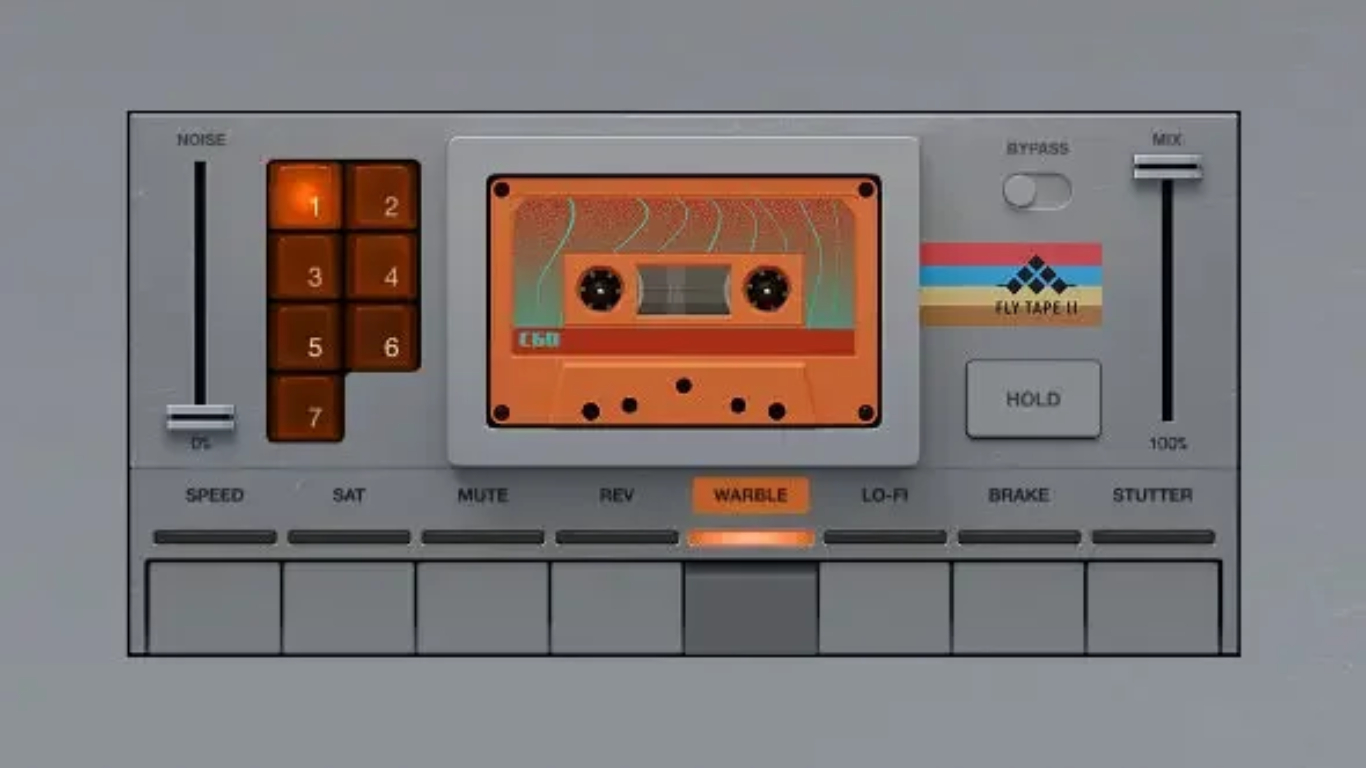
Mapping Stutter and Break functions to Q-Link controls or MPC pads gives you instantaneous command—controlled explosions for your audience.
The AIR Fly Tape plugin delivers performance-oriented features, transforming your MPC into a dynamic live tool. It injects real-time spontaneity, moving beyond static loop playback. Akai Professional designed this effect for creative transitions.
Trigger dramatic, rhythmic stutters or momentary tape stops on the fly, crafting transitions that hit harder than a remix drop. It transforms improvisational sound design, making your MPC a responsive hub. Availability and compatibility can vary by MPC model and firmware.
12. AIR Lo-Fi Dirt
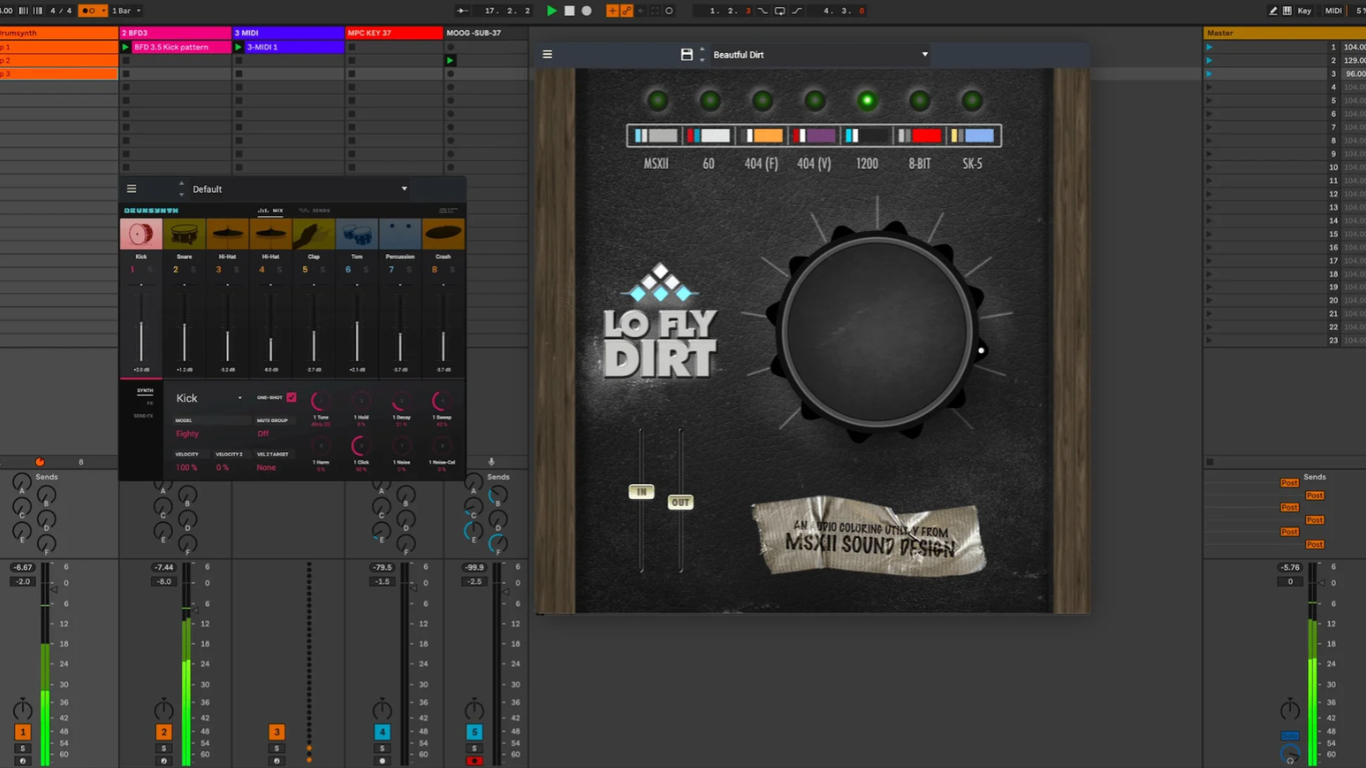
Applying it directly on an insert at full intensity often drowns your signal in noise—route it through a return/send track for optimal control.
Akai lists Lo-Fi Dirt among its available MPC insert effects, offering crunchy, reduced-fidelity character. Yet the plugin’s full intensity can be overwhelming when applied directly. You want nuanced grit, not a sonic dumpster fire.
Routing Lo-Fi Dirt through a return/send track allows precise blending with your dry signal, dialing in that vintage sampler character. It’s about adding subtle texture, making pristine digital audio sound authentically worn-in.
13. AIR Tape Saturator vs. Tape Emulator

While Tape Saturator focuses specifically on harmonic warmth and compression, the Tape Emulator offers broader vintage-style tape coloration.
Differentiating between various analog emulations is crucial for achieving specific textures. The AIR Tape Saturator, part of Akai’s Tape Effects Collection, recreates analog tape saturation with warmth and modern mixing controls.
The broader vintage processing group also includes tape-emulation effects designed for adjustable retro coloration. You would not paint your entire car with rust; a touch of patina goes a long way. These tools offer nuanced ways to infuse tracks with analog tape’s sonic fingerprint without over-processing.
14. AIR Vinyl Emulator

This vintage-processing effect recreates vinyl-style coloration, delivering everything from subtle lo-fi textures to full-on degraded record character.
The raw, imperfect sound of a scratched 45 RPM record remains a holy grail for beatmakers. The AIR Vinyl Emulator brings that exact vibe directly to your MPC, delivering lo-fi texture and degraded record character.
You are giving your pristine digital track the audio equivalent of a faded polaroid. This effect provides a sonic shortcut for producers chasing that undeniable head-nod feel, creating an authenticity algorithms cannot replicate.
15. AIR Stereophonic EQP
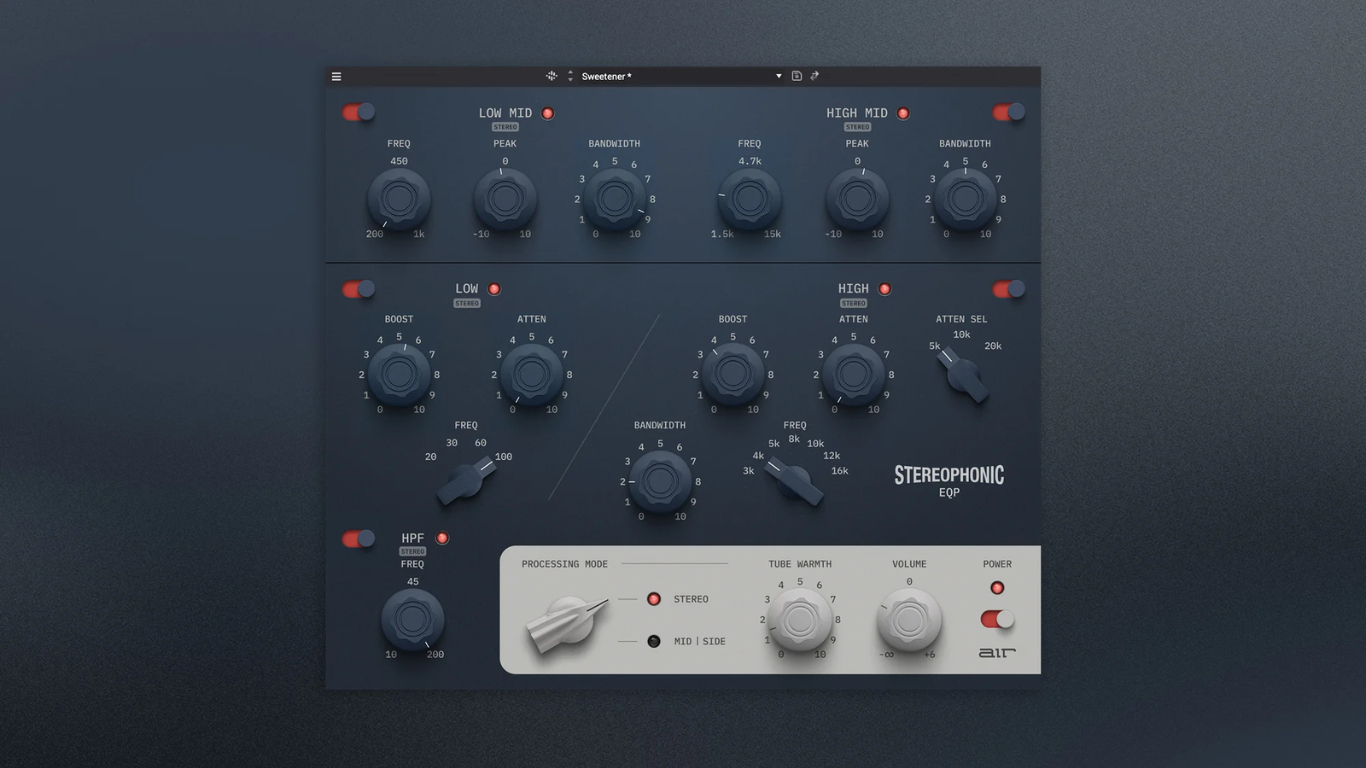
This modern Pultec-style interpretation features stereo and Mid/Side processing, complete with tube-warmth saturation.
Few equalizers command the respect of audio engineers like the legendary Pultec, and the AIR Stereophonic EQP brings that coveted workflow directly into your MPC environment. Available for both MPC Standalone and Desktop/DAW use, this modern interpretation is designed for mixing, mastering, and creative tone shaping.
Its analog-inspired low- and high-frequency controls lay down a sonic footprint producers used to only dream of having natively inside their MPC. This tool adds a musicality and richness that transforms flat audio into something more alive.