




AI is turning music production on its head, and anyone still clinging to analog purity is missing the afterparty. These tools don’t just tweak knobs—they suggest melodies, generate drum lines, and even master tracks, all without demanding a record deal. We’ve hand-picked the ones that actually bring something new to the studio, whether you’re a bedroom producer or stadium headliner. Get ready to meet the future of your sound.
1. Suno Stem Generation
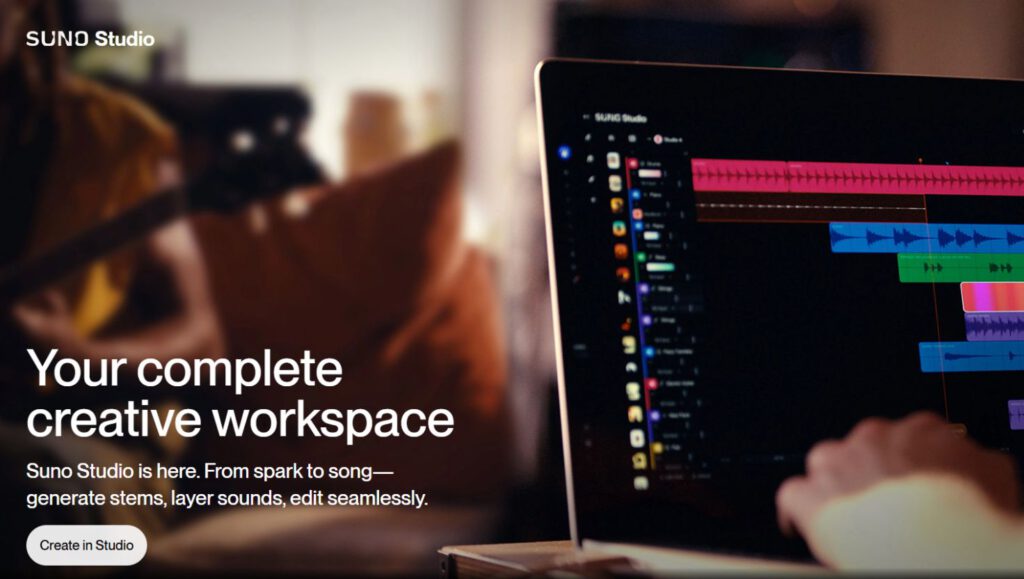
Generate realistic instrumental stems from simple text prompts.
Suno Stem Generation lets you carve out your own niche by generating realistic instrumental stems using text prompts. Want a bassline that sounds like it crawled out of a Queens club? Suno’s got you. Costing 50 credits per stem, the platform splits tracks into up to 12 stems, including vocals, drums, bass, guitar, and synths.
With Suno, you punch in some text, get a few options, download the stems, and drop them into Logic Pro—or Suno Studio’s own browser-based DAW. It’s like having a session musician who doesn’t complain about your creative decisions. This tech could seriously shake up how we write music, so don’t be surprised if your next jam session includes a robot.
2. Kits AI
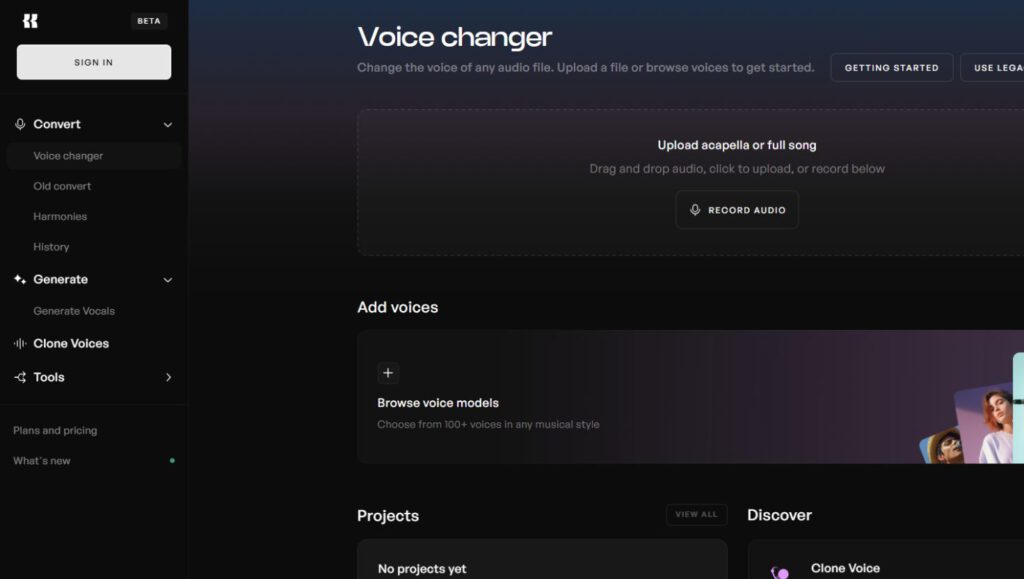
Transform your voice into any singing style without recording new vocals.
Kits AI lets you create an AI clone of your voice by feeding it a few hours of vocal recordings. Once trained, the software sings whatever lyrics or melodies you throw at it, no new takes required.
You can even morph your voice into unexpected styles—think country twang, falsetto queen, or Ray Charles reborn. Here’s the real kicker: Kits AI can spit out fully mixed and mastered tracks with your AI-generated vocals. This tech feels like that “Face Off” meme but for your vocal cords. Voice cloning could shift the tectonic plates of vocal recording, or maybe it just kills the live room vibe.
3. Logic Pro Stem Splitter
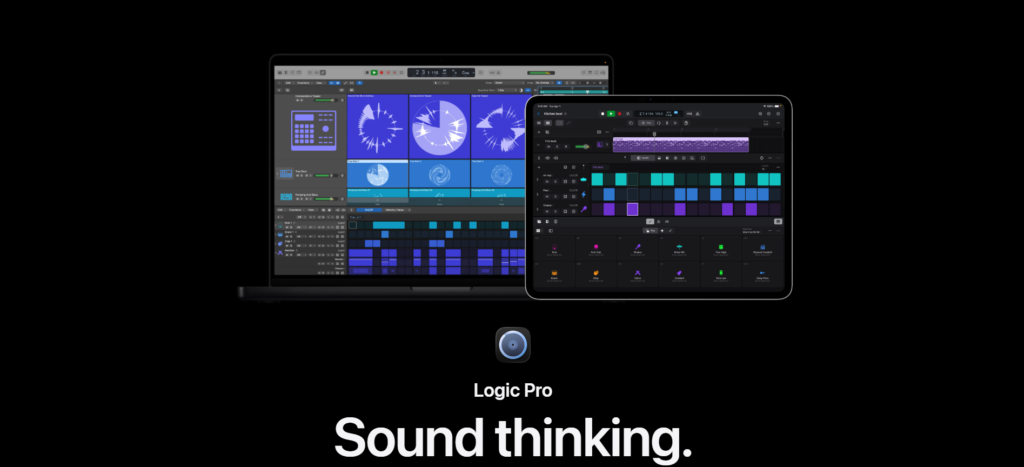
Free tool that dissects any audio file into separate instruments and vocals.
With Logic Pro’s stem splitter, you can now take any audio file—MP3 or WAV—and dissect it into its vital organs: drums, vocals, instruments. No more shady YouTube rips; this feature is baked right into Logic Pro, like finding a cheat code in your favorite game.
Say you’re sifting through old projects and stumble upon a drum groove that slaps harder than a meme stock’s surge. Instead of endless EQ tweaking, you simply isolate that rhythm, repurpose it, and inject it into your new track. This ain’t just software; it’s your time machine for beats.
4. Logic Pro Session AI Tracks
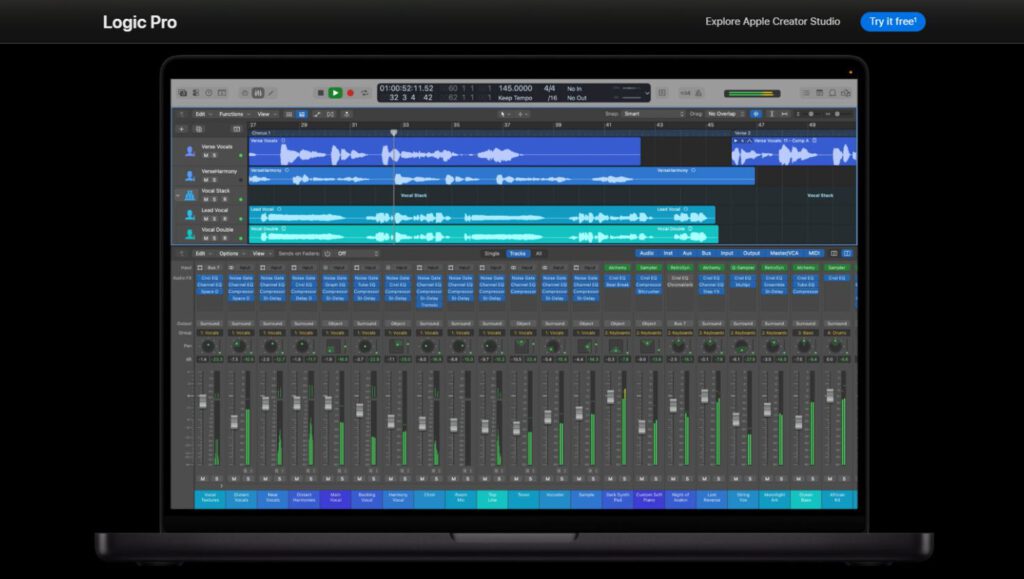
Automatically adds AI-generated bass, keys, and drums to sparse arrangements.
Staring down a sparse arrangement can feel like facing a blank canvas with nothing but a sad ukulele. Logic Pro’s Session AI Tracks automatically adds AI-generated layers—bass, keys, drums—helping to fill out those skeletal song structures without needing to manually program every instrument.
This addition signals a shift in how music is produced, giving every musician the power to unlock their song’s full potential. One user might flesh out a simple acoustic demo with a driving bassline and subtle synth pads, adding depth that elevates the track from coffeehouse vibes to something ready for bigger rooms.
5. Logic Pro AI Mastering Tool
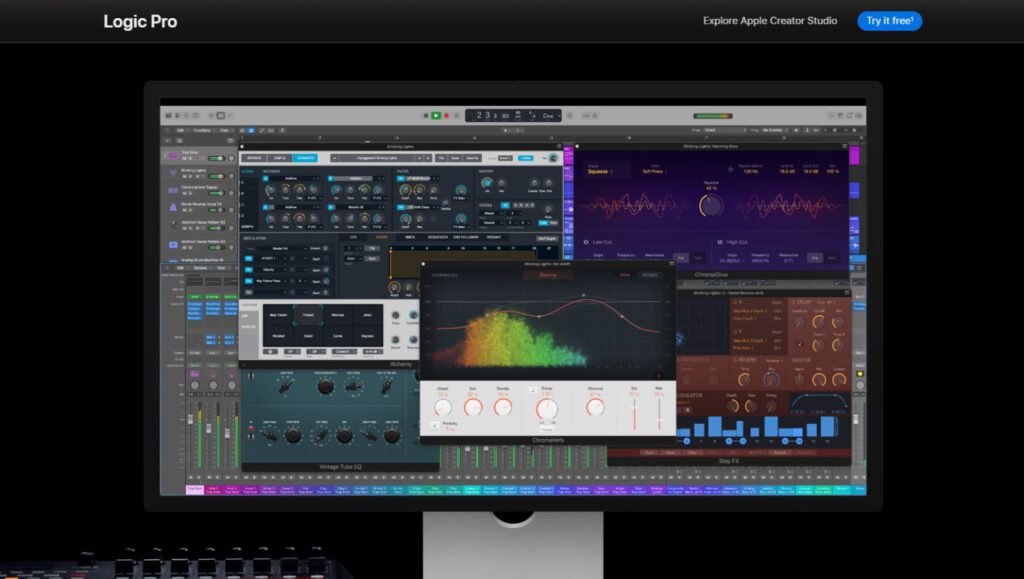
One-click mastering that optimizes tracks for streaming platforms.
Anyone who’s bounced a track to Spotify only to hear it sound flatter than a week-old IPA knows the struggle is real. Logic Pro’s built-in AI mastering tool aims to fix that without drowning your mix in plugins. The AI optimizes loudness levels for streaming platforms, turning the endless quest for that “radio-ready” sound into a one-click affair.
Instead of spending hours tweaking levels, Logic’s AI mastering tool analyzes the track, adjusts accordingly, and delivers a stream-ready version in seconds. The time savings alone are massive, which frees you to actually make more music. If your mix sounds like hammered dogshit, AI mastering won’t save it—this tool works best when it polishes a well-done mix.
6. Landr
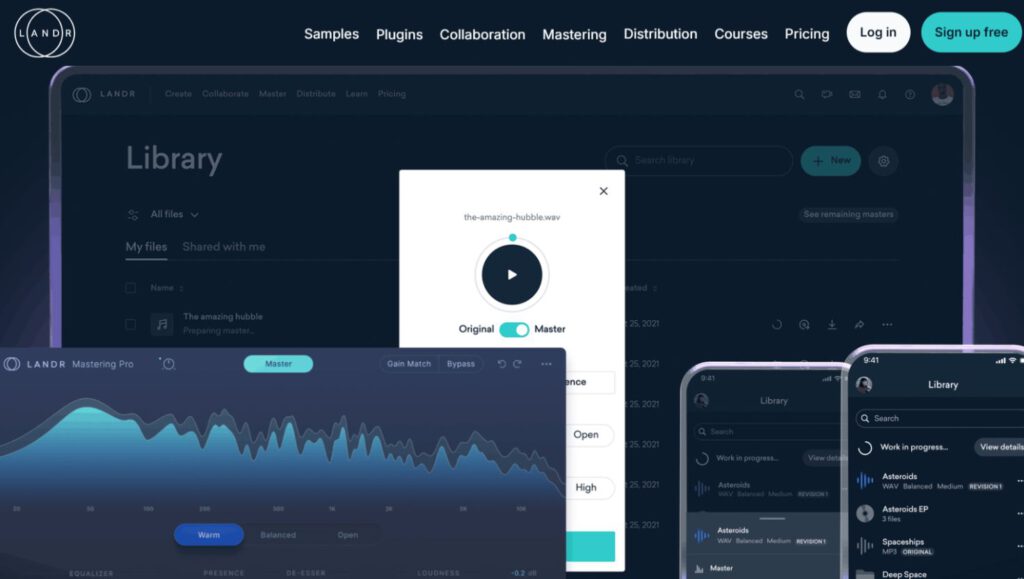
Free MP3 mastering with paid WAV options for budget-conscious producers.
Landr throws a bone with its free MP3 mastering—perfect for slapping something on SoundCloud when you’re broke and impatient. Should you decide to actually polish your gem, they’ve got paid options for WAV files.
Anyone who’s ever sweated over Logic Pro’s mastering tool knows it can feel like trying to assemble IKEA furniture with a spork. Landr offers an alternative, which could be a godsend if you want something less hands-on. Think of it as a sonic car wash—hit “start,” and let the machines do their thing.