



Good mixes cut through like a well-timed tweet; bad ones disappear into the digital abyss faster than a canceled influencer. Tracks where the bass feels disconnected from the drums, or vocals that float aimlessly above the beat, reveal foundational errors many producers unknowingly embed into their projects. This isn’t about expensive gear; it’s about the fundamental missteps that keep otherwise brilliant tracks from ever truly shining. Understanding these pitfalls is the first step to making records that actually connect, instead of just existing.
11. Blindly Slashing Frequencies with Default EQs
Default EQ cuts strip vital frequency content that glues tracks together.
Blindly applying low and high-cut filters, particularly through Ableton’s EQ Eight, makes a track sound like a cheap streaming-service documentary, effectively putting a curtain in front of the speakers instead of gaining headroom. This tactic creates mixes as flat as a forgotten vinyl in the sun. The mix lacks depth and cohesion. Intentional, track-specific choices build actual sonic impact, not aggressive defaults that treat every instrument like it needs the same surgical removal.
10. The Mono Bass Mandate: A Nuanced Truth

The blanket “mono bass” rule ignores modern tools and real-world playback scenarios.
The old adage that bass always needs to be mono has haunted producers for decades, especially those grappling with vinyl masters. Vinyl record cutting struggles with super wide stereo bass, often requiring an elliptical filter to tame low-end side information because excessive groove motion doesn’t work on the physical medium. Yet tracks can hit hard in the studio only to feel flat on a club system because their bass was too narrow, losing all pulse. It’s like serving a Michelin-star dish that tastes like airplane food once it leaves the kitchen.
This blanket advice feels as dated as arguing whether Auto-Tune is “cheating.” Modern tools like Ableton’s EQ Eight offer eight parametric filters and Mid/Side processing, enabling smarter approaches. Informed mixing ensures the low end breathes and still slams, whether on vinyl or a streaming playlist.
9. Debunking the ‘Mix As You Go’ Myth

Immediately slapping processors on tracks wastes time and leads to poor choices.
The ‘mix as you go’ workflow rarely delivers the promised speed. Producers immediately slap default EQs and compressors on tracks, chasing illusory efficiency. This tactic extends sound design capabilities for a small percentage of experienced producers, but most get bogged down tweaking kick compression when the sample itself is the issue. It’s like trying to fix a flat tire with a sticker.
Real solutions lie in sound design, smart sample selection, and thoughtful arrangement. Reserve mixing for light touches in dedicated sessions. Front-loading mix decisions before arrangements are locked creates a cascade of revisions that destroys momentum.
8. The Misconception of -6dB Export

Pulling down the master fader cannot correct poor internal gain staging.
The common advice to export at -6dB by merely pulling down the master fader is a misleading shortcut. Individual processors, like Ableton’s EQ Eight, might already be overdriven, leading to accumulated harmonic distortion and a mix that sounds as squeezed as trying to cram a full-band live show into a vintage Walkman. Even a carefully prepared -6dB export still gets flagged for internal distortion, a truly facepalm moment.
Lowering the volume doesn’t fix a fundamental issue; that’s like putting a fresh coat of paint on a crumbling wall while the underlying rot remains. Meticulous gain management throughout the entire signal chain is paramount, rather than relying on a single final fader adjustment.
7. The Pitfalls of 24-bit Export

Fixed-point clipping in 24-bit files bakes distortion into the audio permanently.
32-bit float audio can represent values above 0 dBFS without the fixed-point clipping behavior of 24-bit integer audio, according to Sound Devices. When a main output clips in a 24-bit file, that distortion is baked in like a burnt casserole; there is no salvaging the original signal later. A producer staring at a waveform scarred by irreversible peaks knows the agony.
Unlike the forgiving expanse of 32-bit float, where seemingly clipped peaks can often be normalized back down, 24-bit’s fixed-point nature leaves zero headroom for error above 0 dBFS. The mix is essentially committed to stone, preventing any true restoration if levels crept too high during production.
6. The Advantages of 32-bit Float Audio Export

This format recovers accidentally clipped peaks without sonic damage.
Exporting audio in a 32-bit float format offers a technical safeguard, capable of representing values above 0 dBFS without the brutal, irreversible clipping found in fixed-point formats. This is the digital equivalent of a chef dropping a priceless platter, only to find the floor has a built-in trampoline; the contents bounce back perfectly intact.
Even if a main output accidentally clips a few samples, a mastering engineer can normalize those peaks back down below zero, recovering the full dynamic range without a shred of sonic damage. Anyone who’s felt their stomach drop after thinking they’ve destroyed a mix with an accidental redline will appreciate this format. It’s an unparalleled safety net that makes those frantic “oh crap” moments disappear.
5. Mastering Your Gain Staging

Each effect must receive appropriate input levels without overloading.
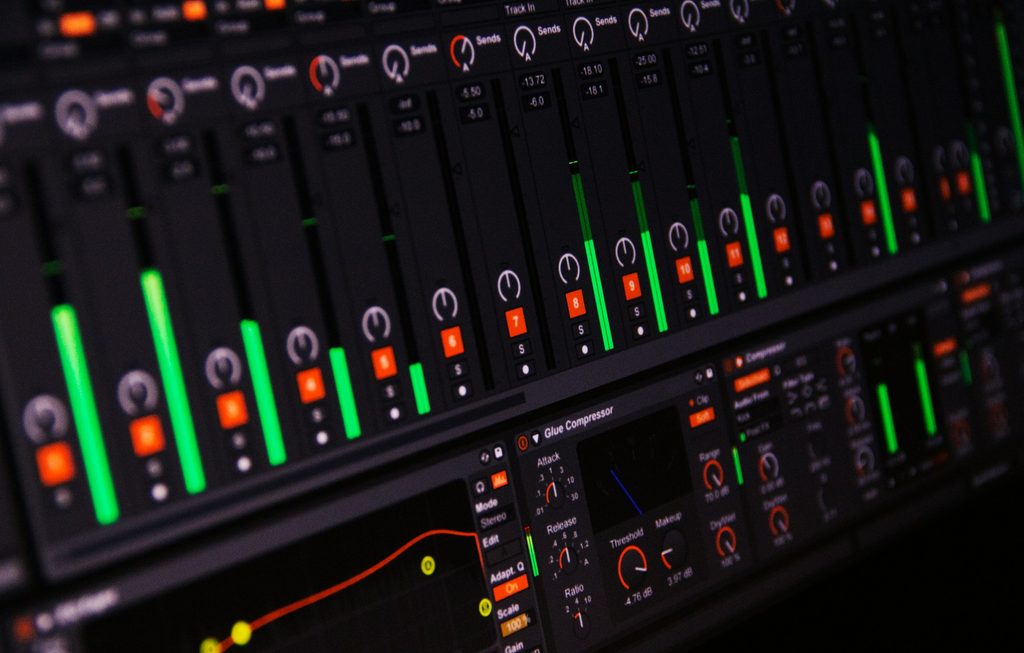
Preventing accumulated distortion begins with diligent gain staging. Pushing a compressor, like Ableton’s Glue Compressor, too hot without compensating its output level guarantees unintentional clipping. This creates crunchy, unpleasant artifacts. It’s like that early 2000s digital camera trend, where over-saturating photos made everything look like a blurry, garish mess.
A savvy producer meticulously balances input and output levels across their effects, treating each plugin like a disciplined chef passing on perfectly seasoned ingredients. For final touches, use a Utility device at the end of the chain for volume automation. This preserves the main fader solely for the final overall mix level, keeping the mix clean and dynamic while avoiding the sonic equivalent of a filter gone horribly wrong.
4. Beyond Modeling: Mastering Reference Track Utilization

Forcing a direct copy of one reference track produces lifeless clones.
The advice to model an entire track, mix and arrangement included, after a single reference often delivers a frustrating, unnatural result. Every element is connected; changing one forcibly unravels the whole emotional flow. It’s like trying to fit a bespoke suit onto a mannequin of a different size. The result is a forced, lifeless clone.
Instead, critically listen to references to identify a sonic universe and learn underlying production principles. Then, bake those into original music. Finally, A/B test against five to ten diverse reference tracks at mastering, ensuring the track fits the general ballpark without becoming a copy. It’s a vibe check, not a forensic audit.
3. The Elliptical Filter and Vinyl Compatibility
This specialized filter prevents stylus tracking issues caused by stereo bass.
The elliptical filter remains a critical tool in vinyl mastering, historically essential due to the physical limitations of record grooves. This specialized filter reduces or sums low-frequency side information in a stereo signal to mono, preventing the stylus from literally jumping out of the groove. Super wide stereo bass doesn’t physically work on a record; it’s like trying to parallel park a monster truck in a Smart Car space.
A mastering engineer, confronted with a mix boasting chest-rattling low-end, might deploy this filter to narrow the stereo image of bass frequencies around 150 Hz. The bass needs to hit, not send the needle flying across the record. This technique ensures the track translates flawlessly to vinyl, bridging the gap between digital mixes and the inherent constraints of analog physical formats.
2. Precision Stereo Control with Mid-Side EQ

Separating mid and side signals offers surgical control over stereo imaging.
Processing audio signals in mid-side mode offers surgical control over the stereo image. This technique, found in equalizers like Ableton’s EQ Eight with its up to eight parametric filters, separates the ‘mid’ (centered, mono) from the ‘side’ (stereo difference) signal. It’s like having distinct controls for lead vocal and background effects.
For precise M/S bus work, many engineers recommend engaging linear phase mode on the EQ to maintain phase coherence between the mid and side channels. This ensures that when subtly narrowing a high-frequency element, it retains its depth and three-dimensional feeling. Basic stereo width plugins can flatten the sound; mid-side processing allows keeping a vocal reverb from spreading too far while maintaining its ethereal presence.
1. Crafting Immersive Bass with Layering Techniques
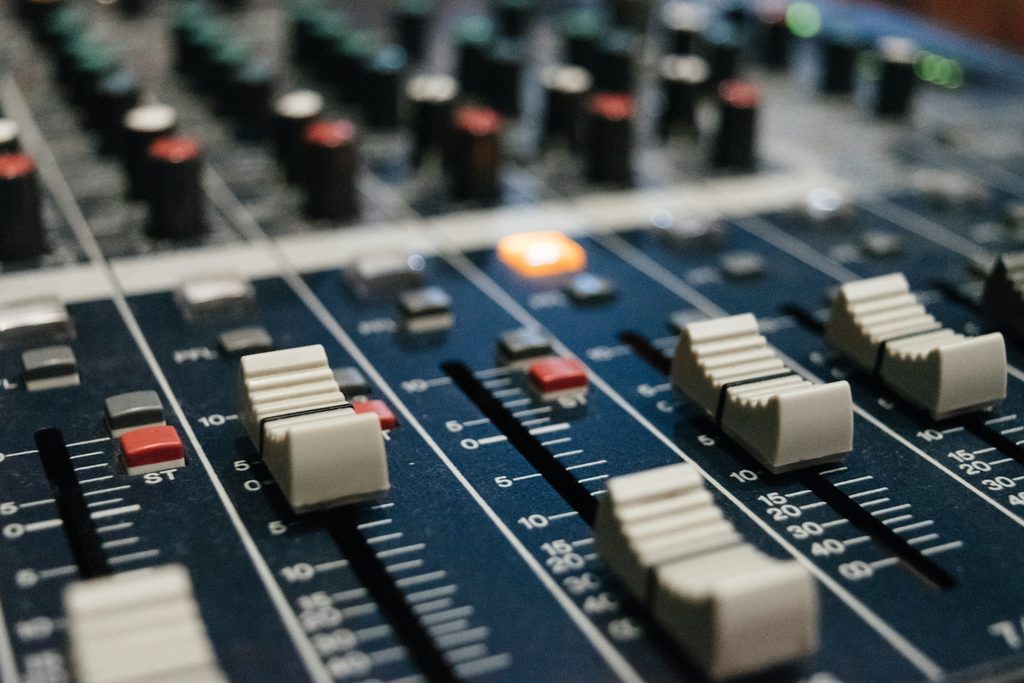
Smart layering achieves expansive lows while preserving mono compatibility.
Achieving expansive lows without sacrificing mono compatibility, crucial for club subwoofers and phone speakers, requires smart layering. Producers manage this with tools like Ableton’s EQ Eight. Establish a rock-solid mono bass foundation, anchoring sub-frequencies centrally for universal impact. Then, on top, build a stereo bass layer through subtle unison, careful detuning, or distinct noise elements to each side.
Attempting a single wide bass is like fitting a square peg in a round hole. This layered method bypasses the pitfalls of a muddy mix or failing to physically work on systems like vinyl, as noted by Stamper Discs. The low end hits everywhere, from a phone feed to a festival rig, without compromising playback on any format.